The CFO wants to know why nothing matches. The team has spent two days on a break list with thousands of rows. Then someone notices that Excel quietly dropped the leading zeros from the account numbers on one side.
I have seen versions of this more times than I'd like. Most false breaks in a reconciliation aren't data problems. They're type problems. The data is the same on both sides, it's just written differently, and a naive comparison treats every difference in format as a difference in fact.
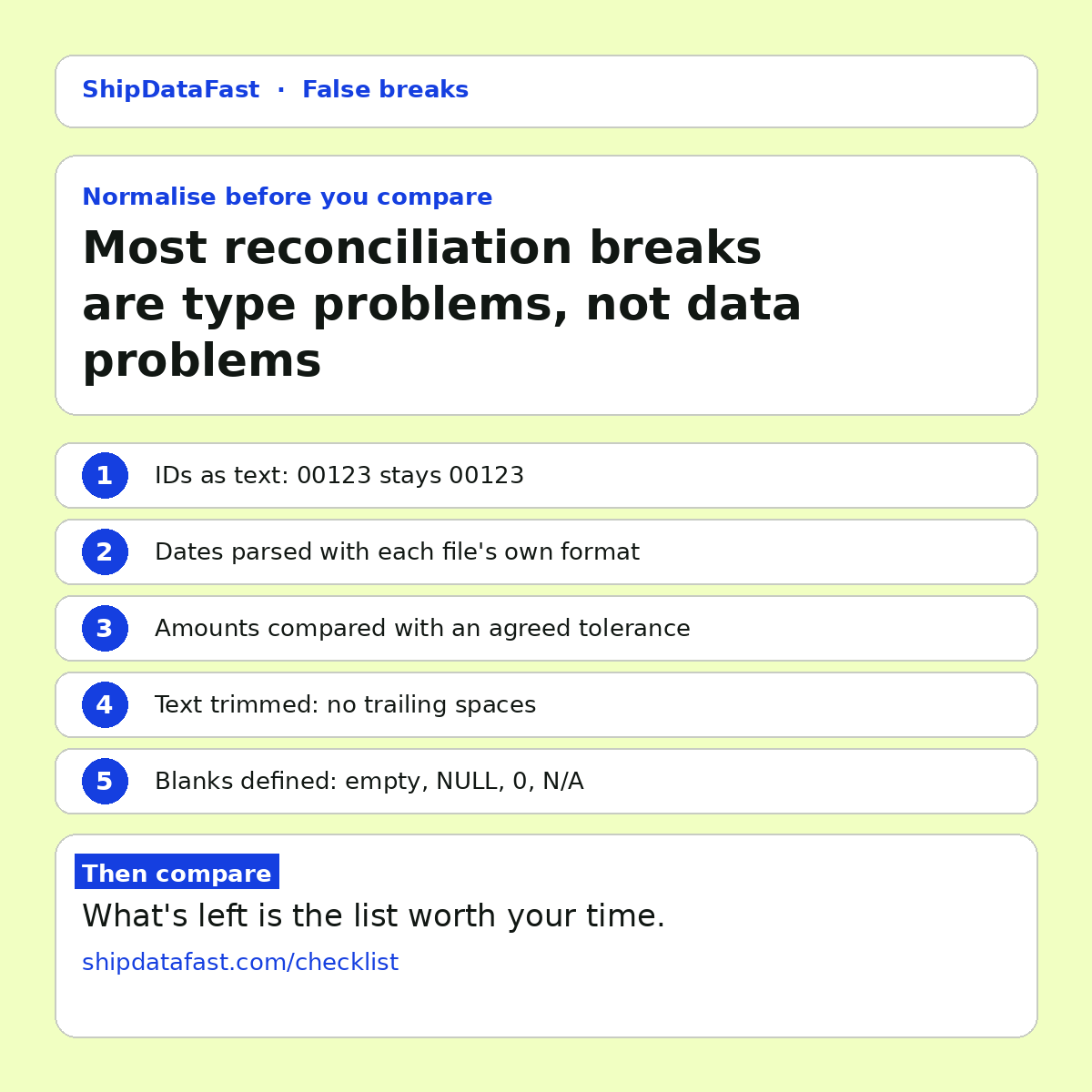
So before you compare two systems, normalise. Here are the 5 things I check first, and why each one matters.
1. IDs as text
Account numbers, customer references and product codes look like numbers. They aren't. Nobody adds two account numbers together. But open a CSV in Excel, or load it with a tool that guesses types, and 00123 becomes 123. If that happens on one side only, every one of those records shows up as missing on one side and extra on the other.
The fix: read every identifier column as text, on both sides, from the start. Don't open the extract in a spreadsheet before you compare it. If you have to, import the column as text explicitly.
2. Dates as dates
01/02/2026 is 1 February in London and 2 January in New York. If two systems were configured by different teams, or the export runs on a server with a different locale, the same date can arrive in two formats. Compare them as strings and they don't match. Parse them with the wrong format and, worse, some of them do match, but to the wrong day.
The fix: parse each file with its own explicit format, then compare real dates. Watch time zones too. A timestamp at 23:30 in one zone is the next day in another.
3. Amounts with a tolerance
10.004 against 10.00 is rounding, not a break. One system stores four decimal places, the other two. One rounds each line, the other rounds the total. If you compare amounts exactly, rounding noise buries the real differences.
The fix: agree a tolerance per currency before the first run, and write it down. Agree it before you see the results, not after, or the tolerance quietly grows until everything passes. That is a trade-off worth naming: too tight and you drown in noise, too loose and you hide real errors.
4. Text trimmed
"ACME LTD " and "ACME LTD" differ by one trailing space. So do values with different capitalisation, non-breaking spaces copied from a web page, or a stray line break inside a field. To a human they are identical. To a comparison they are not.
The fix: trim leading and trailing whitespace, and decide whether case matters for each column. For names and descriptions it usually doesn't. For codes it sometimes does.
5. Blanks defined
Empty string, NULL, 0 and "N/A". Do they mean the same thing? Sometimes yes. A missing middle name and an empty one are the same. Sometimes no. A balance of zero and a balance nobody recorded are very different.
The fix: decide per column, and write the rule down. This is a business decision as much as a technical one, so ask the person who owns the data.
Then compare
Once both sides are normalised the same way, what's left on the break list is the list worth anybody's time. It's usually much shorter, and every item on it is a real question.
One caution: normalisation can hide real problems if you overdo it. If you trim, round and lowercase everything, you may erase a difference that matters. That's why each rule should be explicit, per column, and visible to whoever signs off. A rule nobody can see is just a fudge.
The same rule in business as usual
This isn't only for migrations. Any time a pipeline or a report changes, compare the old and new output with the same normalisation. If you don't, every rerun looks like a regression, people stop trusting the comparison, and the one real break gets lost in the noise.
In short
- Read IDs as text.
- Parse dates with each file's own format.
- Agree amount tolerances per currency, in advance.
- Trim text and decide on case.
- Define what blank means, column by column.
Which of these has cost your team the most hours?