The CFO is asking why the numbers moved. Your team changed one join last week. Nobody thought it was a big change. It was reviewed, the tests passed, the pipeline went green.
Here's the uncomfortable part: most teams test a migration far more carefully than they test a change to a live pipeline or report. But a change to how numbers are produced is a migration. A small one, but the same risk. Data that was right yesterday can be wrong today, and nothing in the job log will tell you.
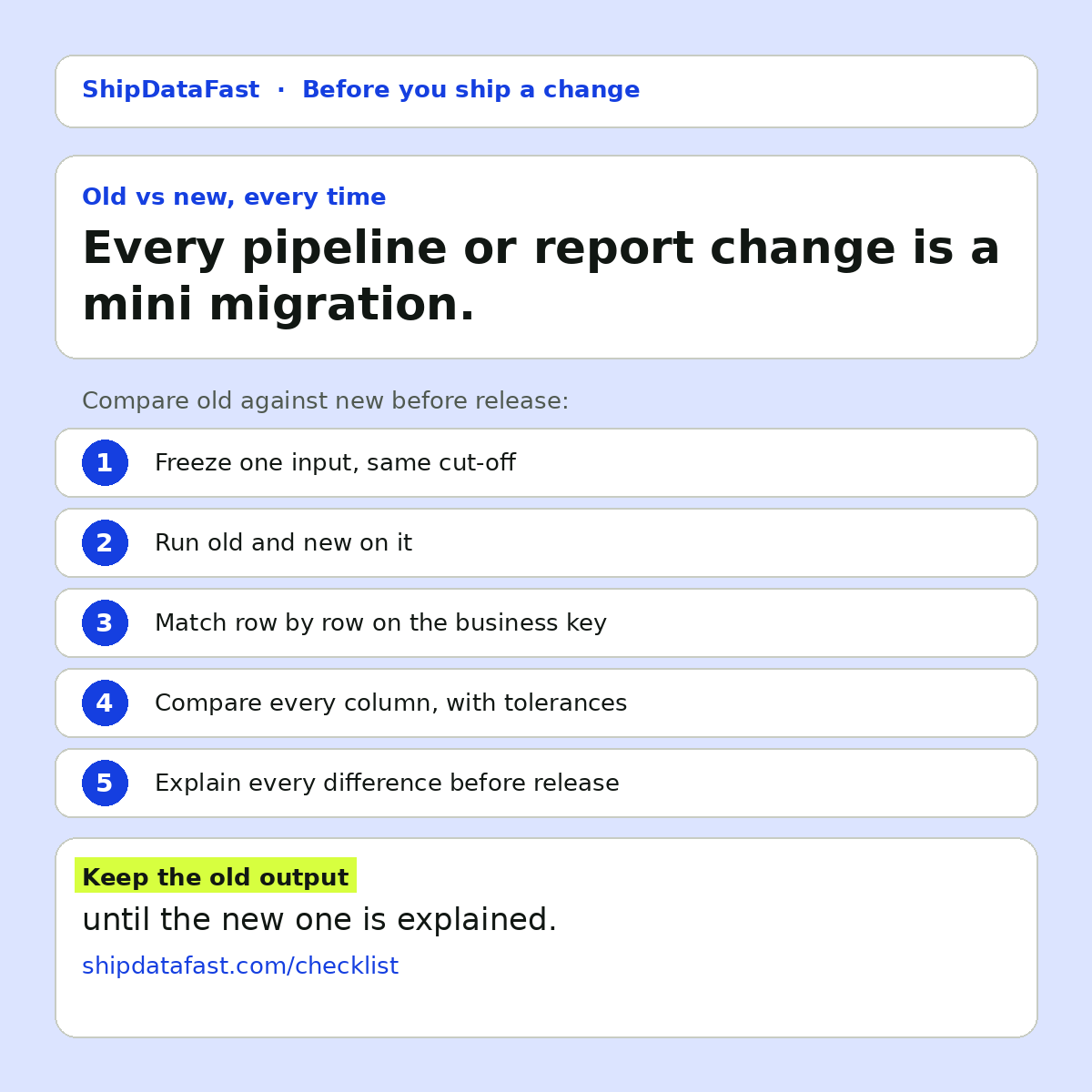
So I treat every pipeline or report change like a mini migration. Here's the routine.
1. Freeze one input
Pick one input: the same file, the same cut-off, the same source snapshot. Run old and new against exactly that. If the inputs differ, every difference you find could be the data changing, not the code. You can't tell them apart, and you'll waste time arguing about which it is.
2. Run both versions on it
Keep the old version runnable, and keep its output. Don't overwrite it with the new one. This sounds obvious, but a lot of setups only ever have "the current output". Once the new version runs, the old answer is gone, and the comparison becomes a memory exercise.
3. Match row by row on the business key
Not on row order. Row order changes for harmless reasons: a different sort, a different engine, a parallel load. If you compare line 1 with line 1, a reordering looks like every row changed. Match on the key the business uses to identify a record, such as an account, an order or an invoice number.
Then look at three groups: rows only in old, rows only in new, and rows in both. The first two are where dropped and duplicated rows show up. A join that "only touched one table" is exactly the kind of change that quietly does both.
4. Compare every column, with a tolerance written down
Not just the totals. Totals can match while individual rows are wrong, because errors cancel out. Compare every column for the matched rows. For amounts, agree a tolerance in advance and write it down, so rounding noise doesn't bury the real changes. For text and dates, normalise the format first.
5. Explain every difference before release
Some differences are the point of the change. If you fixed a bug, the output should change. Those are expected, and they should be listed as expected. Everything else is a bug until someone explains it.
The rule I use: nothing goes live with an unexplained difference. Not "probably fine". Explained, or fixed, or written down as a known gap with a name next to it.
Why teams skip this
Honestly, because it feels like overkill for a small change. And sometimes it is. If a change only touches formatting in a dashboard, you probably don't need a full row-by-row comparison.
But "small" is judged by the size of the code change, not the size of the effect. One join condition, one filter, one changed default can move every number in a report. The effort of comparing old and new on one frozen input is usually an hour or two. The effort of finding out from finance a month later is much bigger, and it costs trust that takes longer to rebuild.
A worked example
Say a team switches an inner join to a left join to include customers with no orders. Expected effect: some new rows with zero values. If they compare old and new on the business key, they'll see those new rows and can mark them as expected. If the join also matches on a column that isn't unique on the other side, they'll see some customers appear twice. That shows up immediately in the "rows in new, duplicated key" group. Without the comparison, it shows up as a revenue total that's slightly too high, weeks later.
In short
- Freeze one input.
- Run old and new, and keep both outputs.
- Match on the business key, not row order.
- Compare every column, with written tolerances.
- Explain every difference before release.
You only see what a change really did if you compare old against new.