Customers are getting the wrong letters. The mapping sheet still says "TBC".
Most migration testing checks that the data moved. Row counts match, totals match, the load went green. Far less of it checks what the data was translated into. And that's where a lot of the problems after go-live come from.
Here's the typical case. The old system has a status code "S". The new system has Suspended, Closed and Stopped. Which one is "S"? Somebody probably knew once. Nobody wrote it down. The load still goes green, because loading a valid status is not an error, even if it's the wrong one.
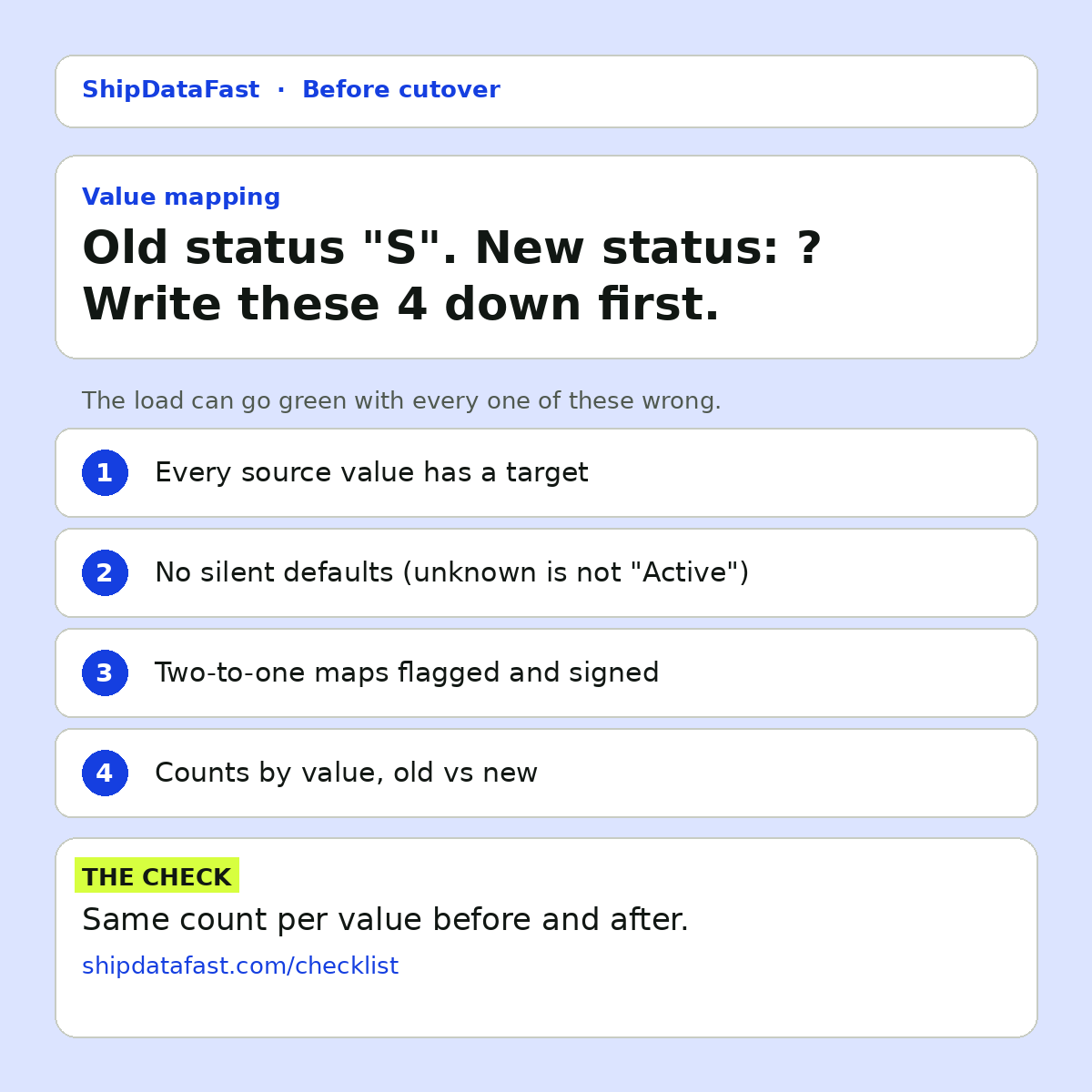
Before cutover, I want 4 things in writing.
1. Every source value has a target
Pull the distinct values from the old system itself, not from the spec. The spec is always missing a few. Old systems collect odd values over the years: codes from a product that was withdrawn, test values that made it into production, a status someone added manually once.
The query is simple: for each coded column, list every distinct value and how many records have it. Then check every one has a target in the mapping. Anything without a target is a decision someone needs to make before go-live, not during it.
2. No silent defaults
Many migration scripts have a fallback: if a value isn't in the mapping, use "Active", or "Other", or the first option in the list. It keeps the load running. It also hides the problem completely.
If unknown values quietly become "Active", you haven't fixed anything. You've moved the issue from a load error, which someone would see, to a wrong customer status, which a customer will see. I'd much rather the load fail loudly on an unmapped value, or route those records to an exceptions list that someone has to clear.
3. Two-to-one maps are flagged
When two old codes become one new code, information is lost. Sometimes that's fine, and it's the point of a simplification. Sometimes the difference mattered to a downstream process: a report, a letter template, a fee rule.
Either way, someone in the business should sign off on losing that difference. Not IT alone. The people who use the data are the ones who know whether the distinction was important.
4. Counts by value, old vs new
This is the check that catches mapping errors after the load. For each coded field, count records by value in the old system and by mapped value in the new one. If a few thousand customers were "S" before, the same number should sit in the target status after.
It's a cheap check, and it finds a whole class of problems that row counts and totals miss. A mapping error doesn't change the number of rows. It changes which bucket they're in.
Why this gets skipped
Number 1 is boring and nobody wants to own it. IT says the business should define the mapping. The business says it's a technical detail. The mapping sheet sits with "TBC" in a few rows until the week of cutover, and then someone fills it in under time pressure.
It's also where the Monday complaints come from. Not dramatic failures, but a steady drip of "why does this customer show as closed?" that takes weeks to trace back to a mapping row.
A practical way to run it
Keep the mapping as a table, not a document: source column, source value, record count, target value, owner, and a note on any value that merges with another. Generate the source values from the data, not from memory. Make the load read the same table, so what was signed off is literally what ran. Then the counts-by-value check is a simple comparison against that same table.
In short
- Get distinct values from the data, not the spec.
- Fail loudly on unmapped values. No silent defaults.
- Have the business sign off on two-to-one maps.
- Count by value, old vs new, after every load.
On your last migration, who owned the value mapping: the business or IT?